October 29, 2025
5 min
How do I install an eSIM?
To set up an eSIM on your phone: Settings > Cellular Data > Add an eSIM Card. Installation takes just a few clicks.

Whether you're traveling abroad, need to stay connected for work, receive bank verification texts, or simply want to be able to make calls without changing your SIM card, an eSIM with a phone number can definitely simplify your life.
No need to hunt for a local SIM card, open your phone, or juggle multiple plans: everything can be done in a few minutes, directly from your smartphone.
If you're looking for a simple solution to stay connected and reachable anywhere in the world, you've come to the right place.
Rony
January 3, 2026
6 min read

An eSIM with a phone number is a mobile plan installed digitally on your phone, which includes mobile data, the ability to make calls, and, in most cases, send and receive text messages.
It therefore works like a standard mobile plan: you have a real phone number, which you can use to make and receive calls, receive security codes via text message, or communicate with your contacts as usual, with the difference that there is no physical SIM card to insert.
An eSIM is a digital SIM card that is directly integrated into your smartphone, tablet, or smartwatch.
It performs exactly the same function as a traditional SIM card, but without the plastic card: you simply download your mobile line (via a QR code or an app), and your device immediately connects to the network.
There are currently two types of eSIMs, depending on their intended use:

SOUTH KOREA
active
20 Go
remaining
Operator
SKTelecom, LGU+
Expires
In 3d • Jun 12
Top up

THAILAND
active
20 Go
remaining
Operator
AIS
Expires
In 3d • Jun 12
Top up

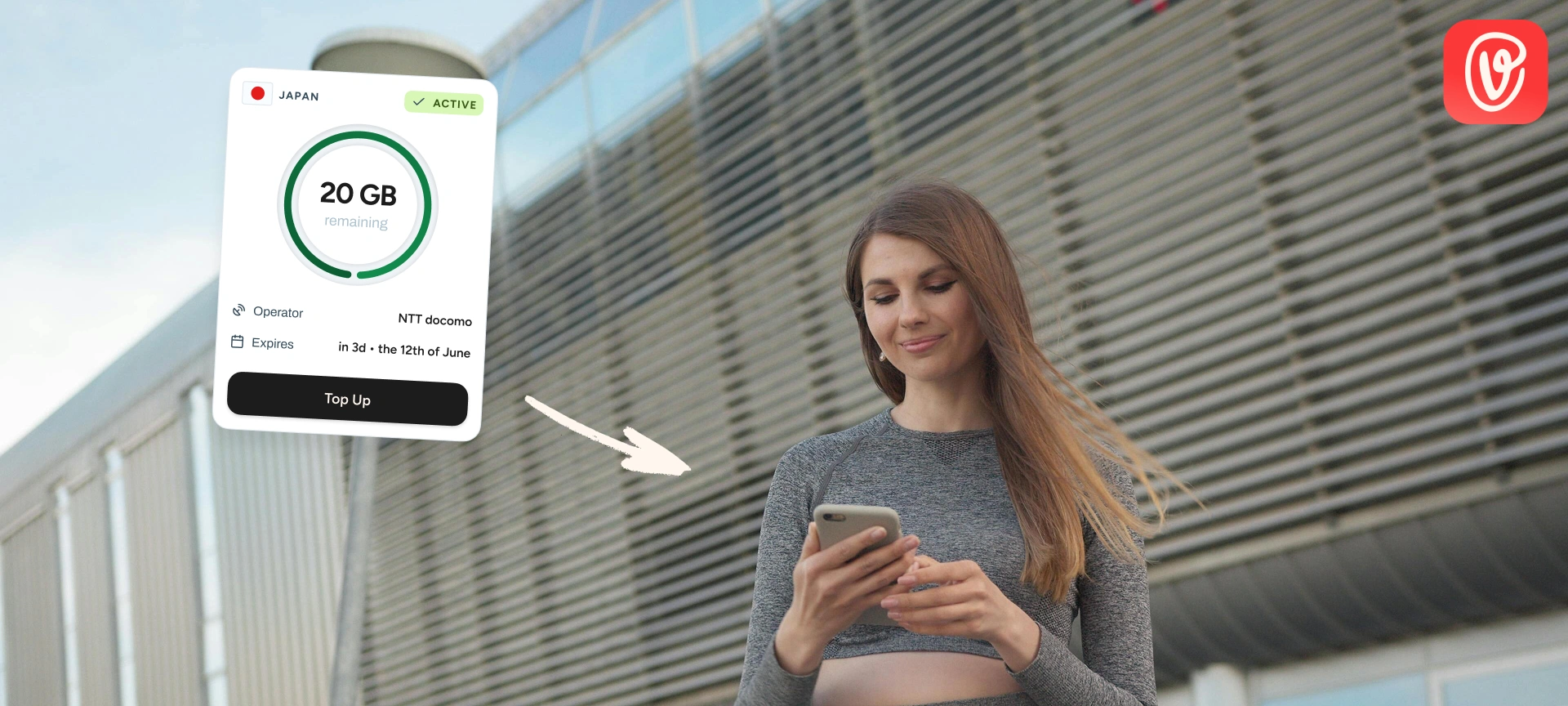
JAPAN
active
20 Go
remaining
Operator
NTT docomo
Expires
In 3d • Jun 12
Top up
Travel abroad with confidence: no more roaming fees, connection struggles, or unexpected top-ups. With a travel-friendly eSIM, stay connected everywhere, stress-free and surprise-free.

How to install your eSIM and make calls depends on the type of plan you are using: an eSIM with a phone number, or an eSIM primarily intended for Internet connection.
Installation is done in a few simple steps: you add your eSIM in your phone settings by scanning the QR code sent by your carrier, then you finalize the activation from your customer account or directly from the device.
Once the line is activated and connected to the network, your phone will work exactly as it would with a traditional SIM card: you can make and receive calls, send text messages, and use the Internet without any difference in usage.
Even without a dedicated phone line, you can still communicate using the Internet connection provided by the eSIM. You can make calls and send messages via apps such as WhatsApp, Telegram, Messenger, FaceTime, or Skype, as long as you are connected to the network.
It is also possible to keep your usual SIM card in the phone so that you can still be reached on your main number, while using the eSIM for your Internet connection. This allows you to limit your costs abroad while remaining accessible.
SOUTH KOREA
active
20 Go
remaining
Operator
SKTelecom, LGU+
Expires
In 3d • Jun 12
Top up
THAILAND
active
20 Go
remaining
Operator
AIS
Expires
In 3d • Jun 12
Top up
JAPAN
active
20 Go
remaining
Operator
NTT docomo
Expires
In 3d • Jun 12
Top up
Travel abroad with confidence: no more roaming fees, connection struggles, or unexpected top-ups. With a travel-friendly eSIM, stay connected everywhere, stress-free and surprise-free.
SOUTH KOREA
active
20 Go
remaining
Operator
SKTelecom, LGU+
Expires
In 3d • Jun 12
Top up
THAILAND
active
20 Go
remaining
Operator
AIS
Expires
In 3d • Jun 12
Top up
JAPAN
active
20 Go
remaining
Operator
NTT docomo
Expires
In 3d • Jun 12
Top up
Travel abroad with confidence: no more roaming fees, connection struggles, or unexpected top-ups. With a travel-friendly eSIM, stay connected everywhere, stress-free and surprise-free.
Functionality
RECOMMENDED
Active lines
Multi-line: manage multiple profiles simultaneously
Only one active line per card
Change of operator
Instant and fully digital
Requires a new physical card
Profile management
Remote digital deletion
Manually removing the card from the phone
Commissioning
Immediate activation via QR code or app
Delivery time or in-store pickup required
Compatible devices
Recent smartphones, tablets, and watches
All types of devices, both old and new
International travel
Add local plans in just a few clicks, with no roaming charges
High roaming charges or mandatory purchase of a local SIM card
Flexibility of packages
Store and switch between multiple carriers according to your needs
Limited to one operator at a time
Protection and durability
Integrated and tamper-proof, resistant to theft and cloning
Vulnerable to withdrawal, loss, and cloning
In most cases, assigning a phone number to an eSIM is not free when provided by a traditional mobile operator. Whether you request to replace your current SIM card with an eSIM or open a new line directly with an eSIM, this operation is generally billed, regardless of the operator.
However, there are a few specific situations where this change can be offered free of charge, such as when your SIM card is no longer working properly or if your phone is lost or stolen. In these cases, the operator considers the eSIM to be a replacement, not a new service.
Conversely, providers specializing in travel eSIMs do not charge for the number itself: you only pay for the plan you choose (for a given duration or data volume), with no additional costs for activation or line allocation.
SOUTH KOREA
active
20 Go
remaining
Operator
SKTelecom, LGU+
Expires
In 3d • Jun 12
Top up
THAILAND
active
20 Go
remaining
Operator
AIS
Expires
In 3d • Jun 12
Top up
JAPAN
active
20 Go
remaining
Operator
NTT docomo
Expires
In 3d • Jun 12
Top up
Travel abroad with confidence: no more roaming fees, connection struggles, or unexpected top-ups. With a travel-friendly eSIM, stay connected everywhere, stress-free and surprise-free.
It is not possible to associate a single phone number with two different media at the same time. In other words, a number can only be active on one line: either on a physical SIM card or on an eSIM, but not on both simultaneously.
However, it is entirely possible to use multiple lines in parallel on the same phone, each with its own number. For example, you can have a SIM card from one carrier and an eSIM from another, both active at the same time, and choose which one to use for calls, messages, or Internet connection.
This configuration is particularly useful when traveling. Many users keep their usual SIM card so they can still be reached on their main number, while adding a dedicated eSIM for Internet connection abroad.
In practical terms, this allows you to:
SOUTH KOREA
active
20 Go
remaining
Operator
SKTelecom, LGU+
Expires
In 3d • Jun 12
Top up
THAILAND
active
20 Go
remaining
Operator
AIS
Expires
In 3d • Jun 12
Top up
JAPAN
active
20 Go
remaining
Operator
NTT docomo
Expires
In 3d • Jun 12
Top up
Travel abroad with confidence: no more roaming fees, connection struggles, or unexpected top-ups. With a travel-friendly eSIM, stay connected everywhere, stress-free and surprise-free.
Rony is our in-house travel-connected expert. Always curious and never too far from an airport, he explores the latest destinations while testing the newest eSIM solutions. He signs our articles on travel and mobile technology, with a single mission: to turn his discoveries into clear, reliable, and smart advice to accompany you anywhere in the world.
October 29, 2025
5 min
To set up an eSIM on your phone: Settings > Cellular Data > Add an eSIM Card. Installation takes just a few clicks.
December 15, 2025
4 min
Four reliable methods to quickly check if your smartphone supports eSIM (simulator, settings, #06# code, etc.)

October 26, 2025
4 min
Honest comparison of the best eSIMs for traveling in Japan: Voilà vs. Airalo, Holafly, Ubigi, Saily. Price, reliability, blocked apps... it's all here!
How do I get a phone number with an eSIM?
There are two main ways to obtain an eSIM with a phone number: either you convert your current line to an eSIM, or you create a new line directly as an eSIM.
Switch your current line to eSIM
If you already have a mobile plan with a number you want to keep, you can simply ask your carrier to replace your physical SIM card with an eSIM.
This request is usually made from your online customer account, via the operator's app, or in-store.
Once the request has been approved, your operator will provide you with an activation QR code. Simply scan it with your phone to transfer your line to the eSIM. In most cases, there is a small fee for this operation, but it may be free depending on the offer or circumstances (for example, if you are changing phones).
Create a new line directly in eSIM
You can also choose to subscribe to a new mobile plan with eSIM, without using a physical SIM card. When subscribing, simply select the eSIM option, and you will receive your activation QR code by email or in your customer account.
This solution is useful if you want to have a second number, separate personal and professional use, or change operators completely.