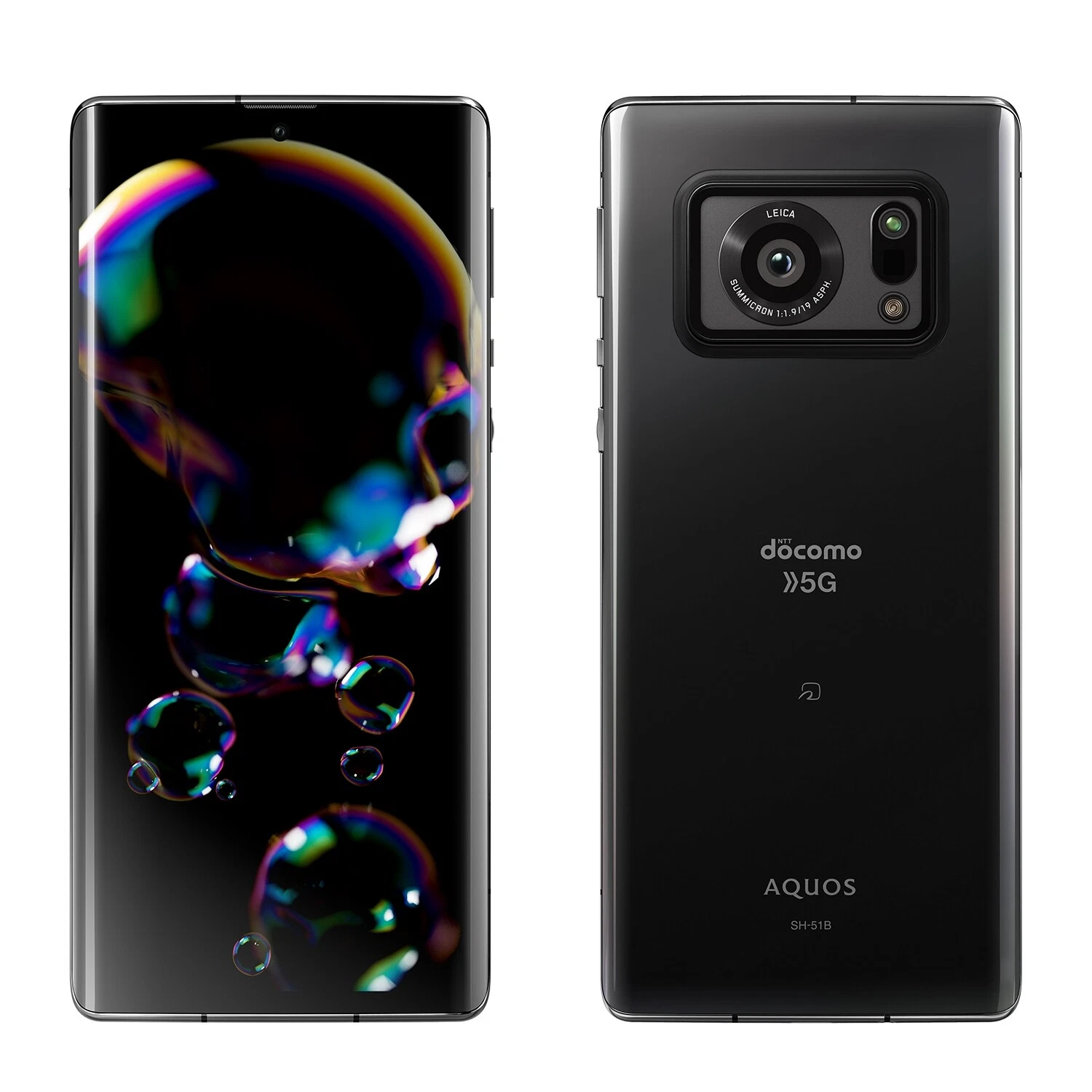
Everything you need to know about the Sharp Simple Sumaho 6 / AQUOS zero6 / wish3 / wish 2 SHG08 / wish / sense7 plus / sense7 / sense6s / sense4 lite / sense9 / sense8: eSIM compatibility by region (US, Europe, China, Japan), model numbers, Dual SIM configurations, and step-by-step instructions for activating your travel eSIM without roaming charges.
Compatible models
- Sharp Simple Sumaho 6
- Sharp AQUOS zero6
- Sharp AQUOS wish3
- Sharp AQUOS wish 2 SHG08
- Sharp AQUOS wish
- Sharp AQUOS sense7 plus
- Sharp AQUOS sense7
- Sharp AQUOS sense6s
- Sharp AQUOS sense4 lite
- Sharp AQUOS sense9
- Sharp AQUOS sense8
Does Sharp Simple Sumaho 6 / AQUOS zero6 / wish3 / wish 2 SHG08 / wish / sense7 plus / sense7 / sense6s / sense4 lite / sense9 / sense8 Support eSIM?
Yes, the Sharp Simple Sumaho 6 / AQUOS zero6 / wish3 / wish 2 SHG08 / wish / sense7 plus / sense7 / sense6s / sense4 lite / sense9 / sense8 has supported eSIM technology natively since its release in 2023. You can activate up to 0 eSIMs simultaneously and store 2 profiles on the device, making it ideal for combining your primary line with a travel eSIM without replacing your physical SIM card.
Specifications
eSIM can be activated
storable eSIM profiles
Year of release
Use an eSIM while keeping a physical nano-SIM (Dual SIM depending on operator).
Travel or switch carriers easily without replacing your SIM card.
What should you do before installing an eSIM on your Sharp Simple Sumaho 6 / AQUOS zero6 / wish3 / wish 2 SHG08 / wish / sense7 plus / sense7 / sense6s / sense4 lite / sense9 / sense8?
Before installing an eSIM on your Sharp Simple Sumaho 6 / AQUOS zero6 / wish3 / wish 2 SHG08 / wish / sense7 plus / sense7 / sense6s / sense4 lite / sense9 / sense8, check these important points:
- 1
The Sharp Simple Sumaho 6 / AQUOS zero6 / wish3 / wish 2 SHG08 / wish / sense7 plus / sense7 / sense6s / sense4 lite / sense9 / sense8 is unlocked (unlocked for all carriers).
- 2
Your model is not a specific "Mainland China" model (eSIM restrictions may apply).
- 3
Your Android version is up to date (Android 13+ minimum) to ensure maximum compatibility.
- 4
Install the eSIM via our app, which guides you step by step.
- 5
Activate your eSIM with an Internet connection (Wi-Fi or data) to avoid any blockages.
You might also want to check out
Check out other eSIM-compatible devices in the same series.
Do you have another device?
Instantly check if it supports eSIM technology.
Use your Sharp Simple Sumaho 6 / AQUOS zero6 / wish3 / wish 2 SHG08 / wish / sense7 plus / sense7 / sense6s / sense4 lite / sense9 / sense8 with an eSIM worldwide
Browse our most popular destinations and get connected instantly.